

Introduction
In this post I followed the powens API documentation to retrieve my mobile phone provider bills automatically.
Powens is a company known for OpenBanking solutions, mainly the aggregation of user banking transactions and financial assets, but it also has a product called “Trust” that allows you to download periodically documents from your Banks, Government Authorities, Utility companies etc.
Powens does all this leveraging the power of the opensource framework https://woob.tech/.
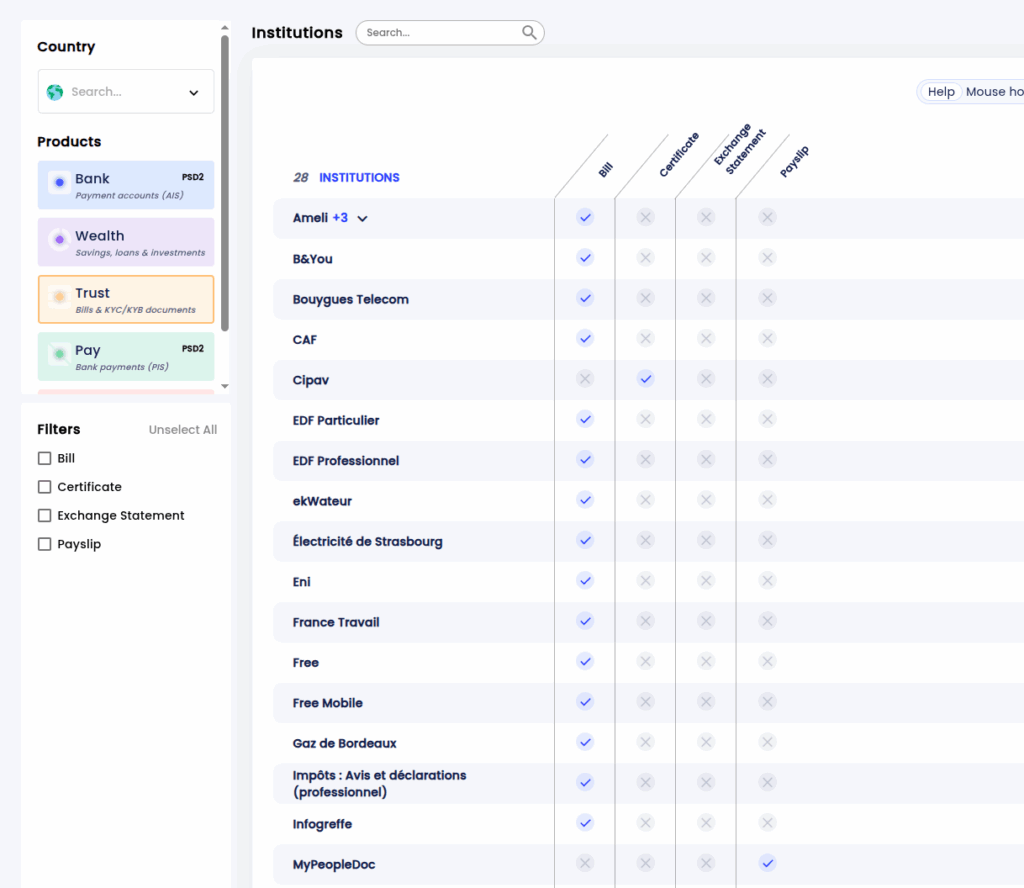
You can find the integrations (aka connectors) supported by Powens in the following link https://institutions.powens.com/. Perhaps the most interesting are listed in the “Bank” and “Wealth” products. Below are some of the connectors for “Trust”.
Integrating connectors from “Bank”, “Wealth” and “Trust” follows the same logic, in this post I would use the integration to Free Mobile.
Registering an Application in Powens
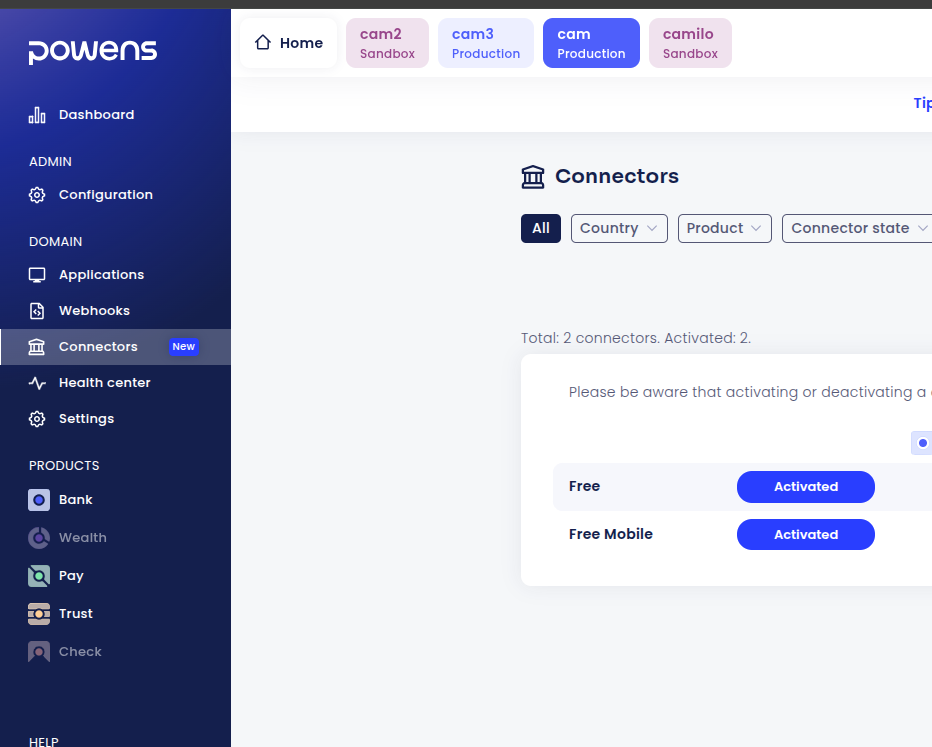
The first step is to register myself in https://console.powens.com, actvate the Free Mobile “connector” and follow the workflow to create an “application”.
Screenshot below shows the activation of the Free Mobile connectors:
This screnshot shows my client application
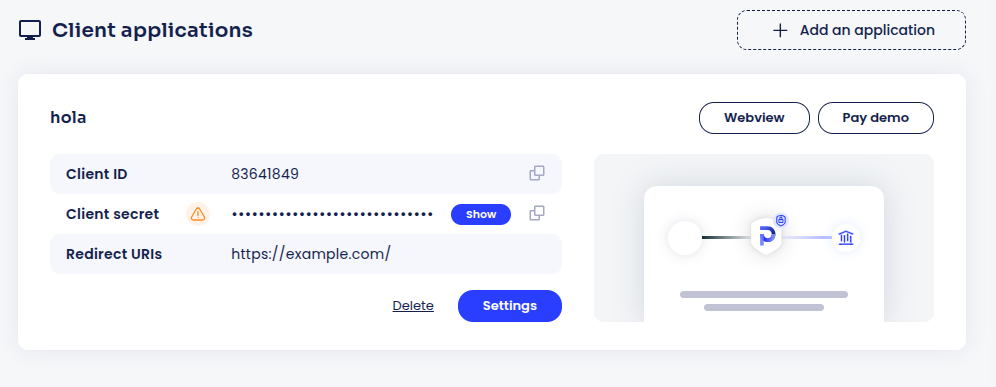
Once the application is created, Powens provides you with a client_id and a client_secret.
Remember, Powens is in the B2B business. When you log in, you are a “company” integrating Powens: You are configuring Powens so that your clients (or you personally) can use Powens’ services.
The “user” in this sense is the person who’s data is going to be fetched by Powens. In this case, it’s me, since I want to download my mobile phone bills.
Creating a “User” and Getting an Auth Token
With the following request, we can create a user. Bear in mind that cam.biapi.pro is the name of the domain that I choose when setting up my account in powens. “cam” are my initials, and biapi.pro is powens’ domain.
curl --header 'Content-Type: application/json' \
     --data '{"client_id": "xxx", "client_secret": "yyy"}' \
https://cam.biapi.pro/auth/initThe response is the following:
{
   "auth_token": "very_long_token",
   "type": "permanent",
   "id_user": 47
}This auth_token is a permanent token, and uniquely identifies the user. No personal data (name, address, etc.) is provided to Powens at this stage.
As a “company”, I would need to store that secret, and associate it to the information I have of my client. This token is the only way to retrieve this clients information.
Creating an Anonymous Temporary Token and Using the Webview
The next step is to create an anonymous version of the “very_long_token” received before. Why? Because it’s a secret, and given that we are going to put that token in a web browser we want more security
curl -XGET --header 'Authorization: Token very_long_token' https://cam.biapi.pro/2.0/auth/token/code
{
  "code": "another_very_long_token",
  "type": "temporary",
  "access": "standard",
  "expires_in": 1800
}
With this new “another_very_long_token” I can create connections on behalf “very_long_token”. And this token is temporary with a predetermined expiration.
With this information, I can now create the webview url:
https://webview.powens.com/connect?domain=cam.biapi.pro&client_id=XXX&redirect_uri=https://example.com/&connector_capabilities=document&code=another_very_long_token
This will redirect me to this screen:
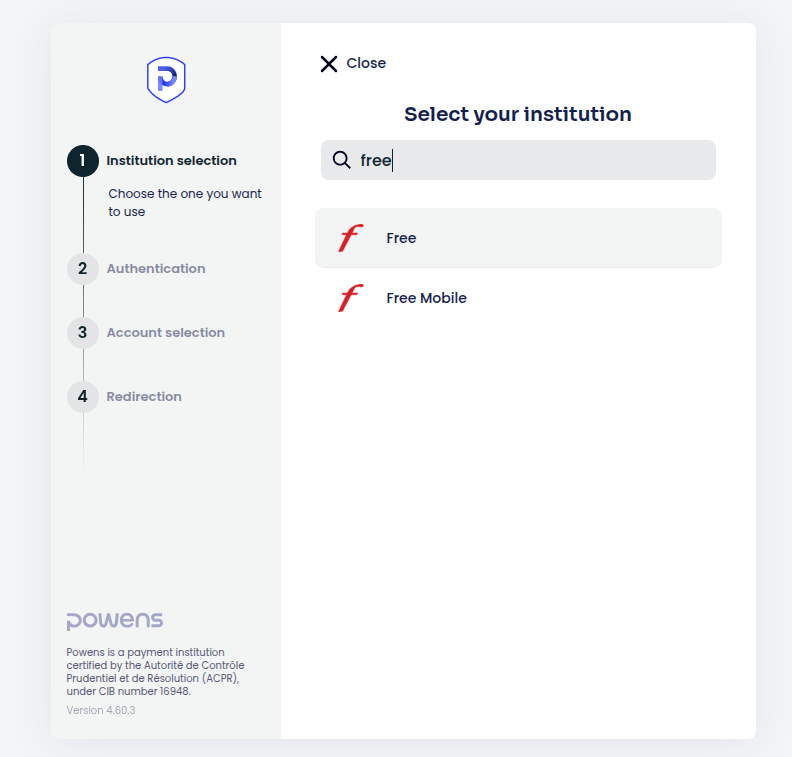
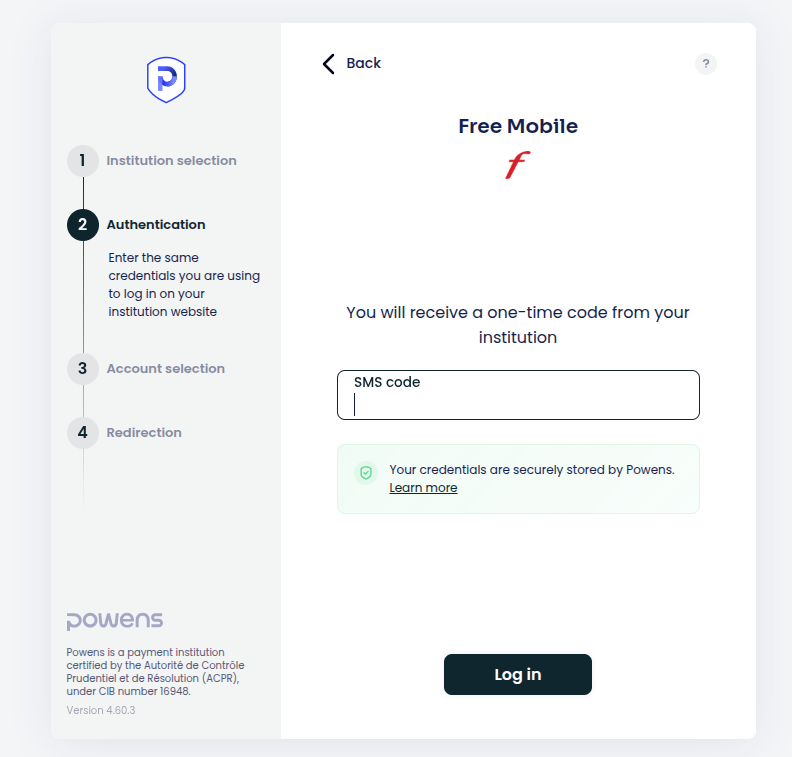
I choose Free Mobile. And then provide my username and password for Free mobile. I am prompted to suply an SMS code that arrives to my phone.
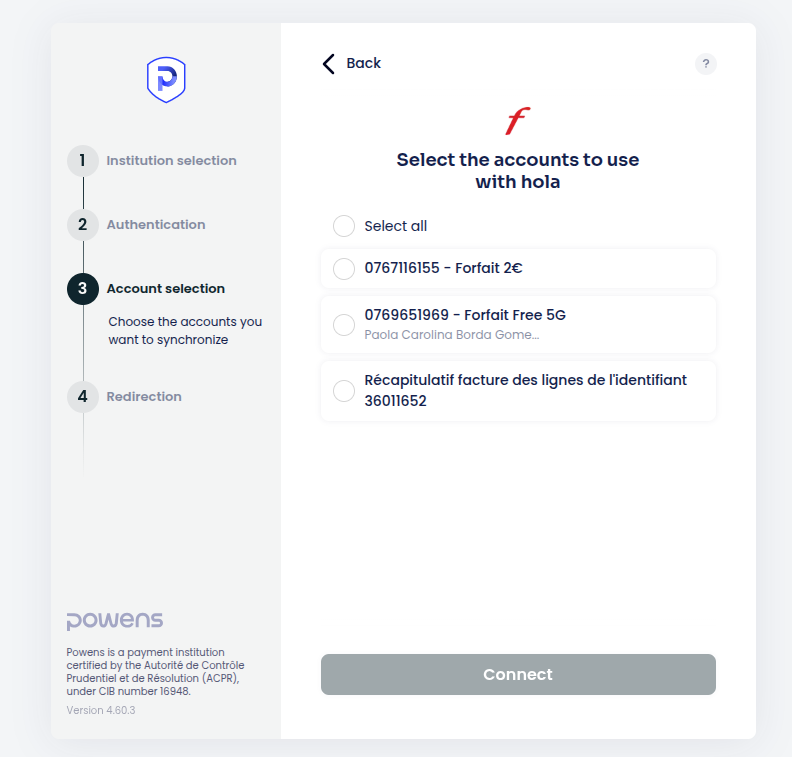
And then, Powens fetches all my documents available in Free. I am prompted to see what info I am interested in. I chose all:
Retrieving the Documents
Then, with the “very_long_token”, I can get the list of all documents that Powens has fetched for me and the download link:
curl -XGET --header 'Authorization: Token very_long_token' https://cam.biapi.pro/2.0/users/me/documents/ -s | jq .
{
  "first_date": "2025-12-18",
  "last_date": "2025-12-18",
  "documents": [
    {
      "id": 68,
      "id_type": 5,
      "id_category": null,
      "id_user": 47,
      "id_subscription": 16,
      "id_file": 151,
      "id_thumbnail": 152,
      "name": "Facture Décembre 2025",
      "timestamp": "2025-12-18 13:48:12",
      "date": null,
      "duedate": null,
      "total_amount": -2.0000000000,
      "untaxed_amount": null,
      "vat": null,
      "income": false,
      "readonly": true,
      "webid": "2493263439",
      "number": "2493263439",
      "issuer": "Free Mobile",
      "last_update": "2025-12-18 13:48:12",
      "has_file_on_website": true,
      "currency": {
        "id": "EUR",
        "symbol": "€",
        "prefix": false,
        "crypto": false,
        "precision": 2,
        "marketcap": null,
        "datetime": null,
        "name": "Euro"
      },
      "type": "bill",
      "url": "https://cam.biapi.pro/2.0/users/me/documents/68/file/2493263439.pdf",
      "thumb_url": "https://cam.biapi.pro/2.0/users/me/documents/68/thumbnail/2493263439_thumbnail.png"
    },
    (...)
  ],
  "total": 3
}Then, with the “very_long_token” I proceed to download one of the documents:
curl -XGET --output my.pdf --header 'Authorization: Token very_long_token' https://cam.biapi.pro/2.0/users/me/documents/70/file/2493263439.pdfAnd now I have my pdfs, and not only this, Powens will keep fetching the documents for me.
Conclusion
Powens provides an easy and secure way to retrieve documents from multiple sources in Europe and specially in France.
All these steps can seem to be an overkill just for a personal usage, but the extra complexity is for your and your users’ security.
The same type of integration can be done for financial data from banks and other institutions that manage financial assets.
